PariPulse Casino Deposit Methods 2026

Paripulse casino supports deposits in fiat currency and cryptocurrency worldwide. The minimum deposit is $1 and the minimum withdrawal is also $1. There are no fees and all payments including mobile transactions are processed instantly. We are licensed in Curacao, which confirms the legitimacy of our services. Use the Perfect Money, Skrill, PayTM, PhonePe, AstroPay, Opti Money and other commission free options. 24/7 customer support is available to assist with any deposit-related issues.

Deposit instantly and start winning today on PariPulse.

How to Make a Deposit on PariPulse?

If you are looking the information on how to deposit money in Paripulse account in no time then follow the steps below:

1

Sign In to Your PariPulse Casino Account

Log in to your personal account using your username and password. This will give you access to the top-up section. If you don’t have an account, register.
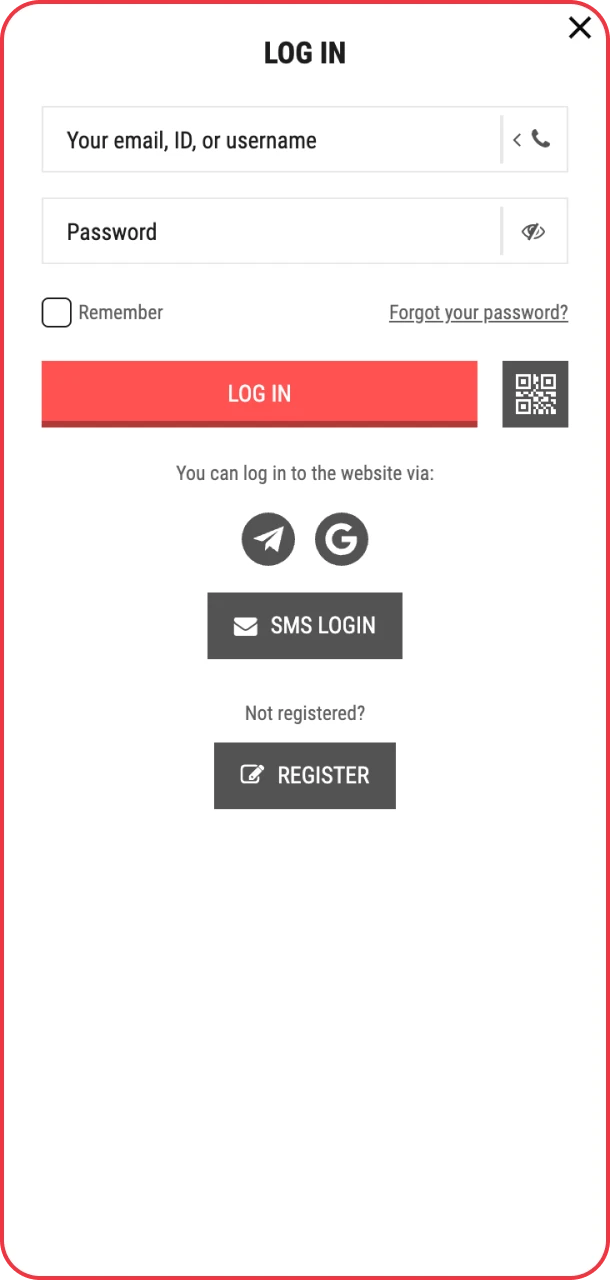
Sign in to deposit and enjoy rewards at PariPulse.
2

Choose a Deposit Method

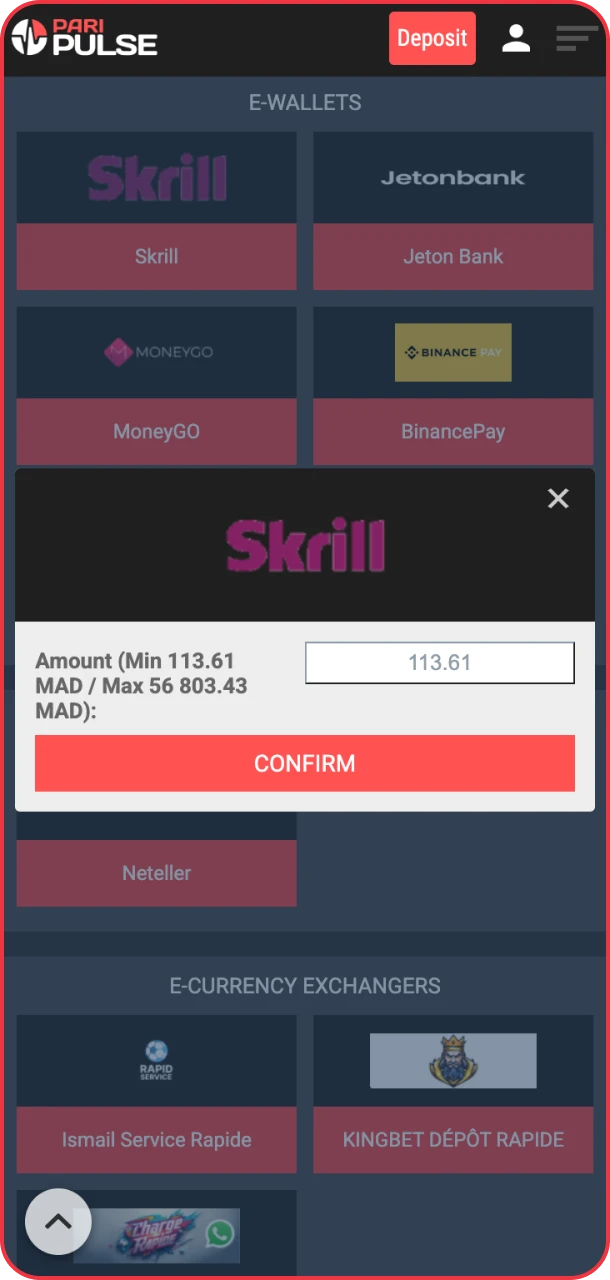
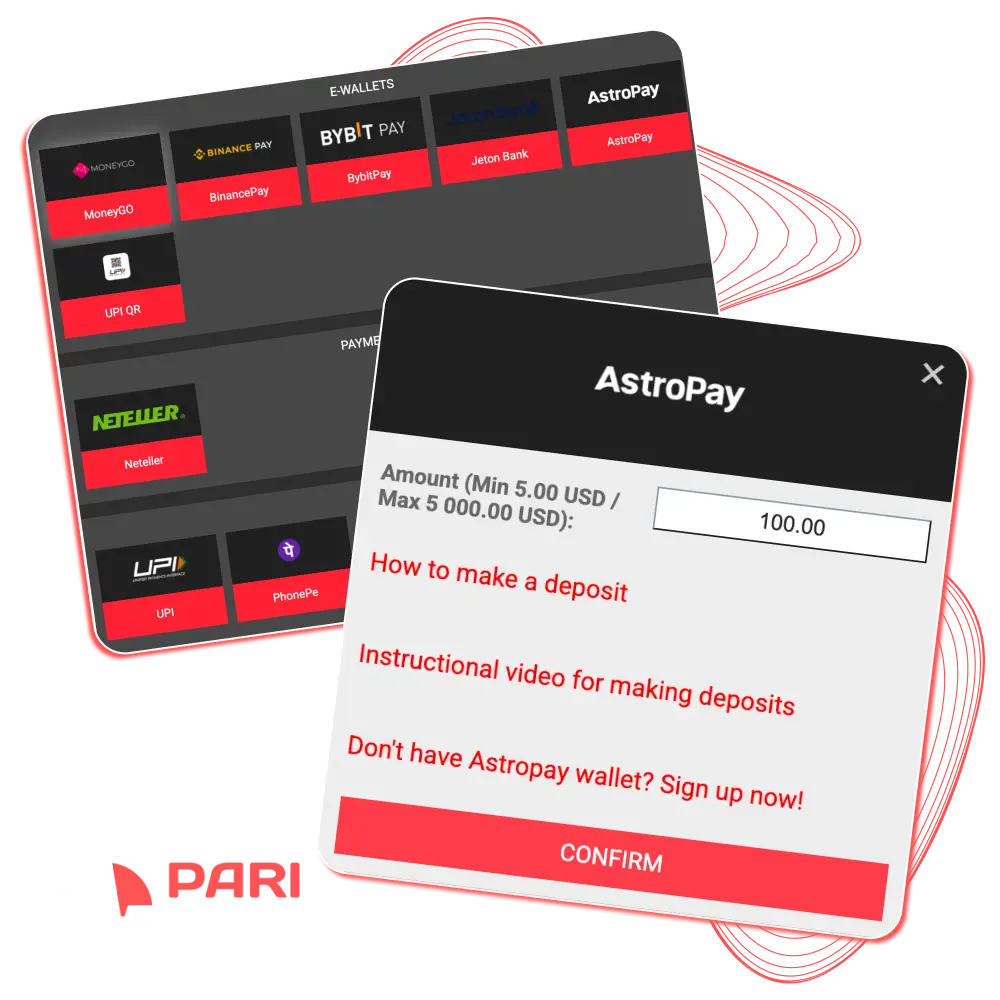
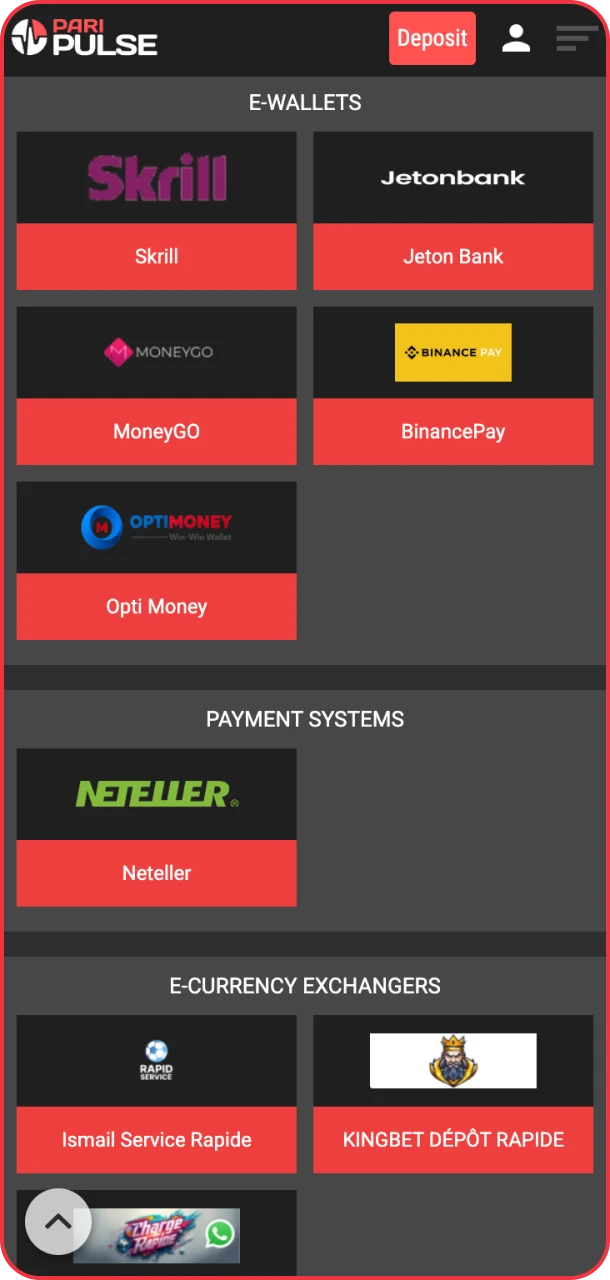
Follow the Make a deposit icon on the homepage. It will open the full form with transaction offerings. Select a convenient deposit method from the available options.

Choose your preferred deposit method easily on PariPulse.
3

Add Funds to Your Account

Check the min and max limits and enter the amount. Confirm the transaction and the funds will be credited to your balance almost instantly.

Add funds quickly and start playing on PariPulse.

PariPulse Deposit Methods: Payment Options Explained

We present universal Paripulse deposit methods for bank transactions, crypto payments and electronic transfers. To assess which Paripulse minimum deposit is more profitable consider the table below:

Deposit Method Min deposit Max deposit Commission Transaction time
PhonePe 5 USD 228 USD No fee Up to 5 min
UPI 5 USD 228 USD No fee Up to 5 min
Neteller 10 USD 5 000 USD No fee Up to 5 min
Skrill 10 USD 5 000 USD No fee Up to 5 min
Bharat Pe 5 USD 228 USD No fee Up to 5 min
Ethereum 0.001 ETH Not set No fee Up to 5 min
Jeton Bank 5 USD 100 000 USD No fee Up to 5 min
Bitcoin 0.001 Not set No fee Up to 5 min
Dogecoin 0.233191 USD 0.233191 No fee Up to 5 min
Litecoin 0.001 Not set No fee Up to 5 min

How to Make a Deposit via the Mobile App?

You can top up your account anytime through the PariPulse app. All deposits are commission-free and are located in the profile balance instantly. Three stage process can lead you to mobile gaming:

  1. Open your Profile in the app. Download the Paripulse app if you haven’t yet.
  2. Tap Make a Deposit in the top bar.
  3. Choose a method, enter the amount and confirm the transaction.

PariPulse Casino Deposit Time

Funds are credited to PariPulse almost instantly. In most cases the money appears in your account within a couple of seconds after completing the transaction. There may be a delay of a few seconds to a couple of minutes. So you can immediately start playing at Paripulse.

Use Deposit Bonuses Today

The Paripulse bonus collection is available immediately after registration. Complete your profile to get full access to promotions. Below are a couple of bonuses you can try by making a deposit at Paripulse:

Claim your first deposit bonus instantly on PariPulse.

1st Deposit Bonus

Register with PariPulse and receive a 100% first deposit bonus up to 300 USD. Make your first top up with 1$.

Unlock the full welcome package of bonuses on PariPulse.

Welcome Package Up to 1400 USD + 150 FS

Register or log in to the website or the app, select Casino+Games bonus complete. Make a first deposit of at least 10 USD and the bonus will be automatically credited to your account.

Tuesday bonuses bring extra excitement only with PariPulse.

50% Bonus on Tuesday

Every deposit made on Tuesday brings a 50% bonus on the deposit amount.

Thursday bonus offers thrilling casino and sports rewards PariPulse.

Thursday Bonus

The bonus is equal to 100% of the deposit amount, but cannot exceed $118. The minimum deposit required to receive the bonus is $2.

Enjoy special Monday cash bonus rewards at PariPulse.

Cash Monday

Make a deposit and get 50% of your deposit as a bonus. Make a deposit of at least 1 USD on Monday and your bonus will be credited automatically.

Check Your Deposit History

To view your deposit history, click on the gear icon in the upper right corner. In the vertical Main Account menu on the left, find Bet History. There are filters for selecting dates, bet types, statuses and types. Review your detailed history of bets from across the various sections.

Common Deposit Problems and Fixes

Sometimes minor issues may arise when replenishing your account, but they are all easily resolved. Here are the most common situations:

  • Payment failed. Check your card or wallet balance;
  • Limit error. Make sure the amount meets the minimum and maximum limits;
  • Delayed credit. Wait a few minutes or refresh the page;
  • Incorrect details. Double-check the details before confirming.

If your problem is not listed above, then go to the technical support dialog box. The site team works 24/7 and specializes in all aspects of deposits.

FAQ

Can I Make Paripulse Deposits in Different Currencies?

The currency of your future account must be selected when you sign up. It cannot be changed later.

Can I Make Deposits Using Different Paripulse Methods?

Yes. You can use any of the methods listed in your profile. You can make deposits using any method that is convenient for you.

If I Withdraw All the Money from My Paripulse Account, Will It Be Closed?

No, your account will not be closed if you withdraw all your money. It is possible to continue depositing funds and placing bets. To close your account, please contact customer support.

What Should I Do if the Money Hasn’t Arrived?

Deposits are made instantly, but there may be a delay of several minutes. If the money has not been credited to your account within half an hour, get in touch with our support team via chat.

How to Deposit on Paripulse via Mobile?

Paripulse Android app offers the same ways of deposits as on the website. Enter the in-app profile and make the instructions presented on the screen.

Comments

The value is incorrect

The value is incorrect

The value is incorrect

Something went wrong. Please, try again later

Your comment has been sent!

Updated: